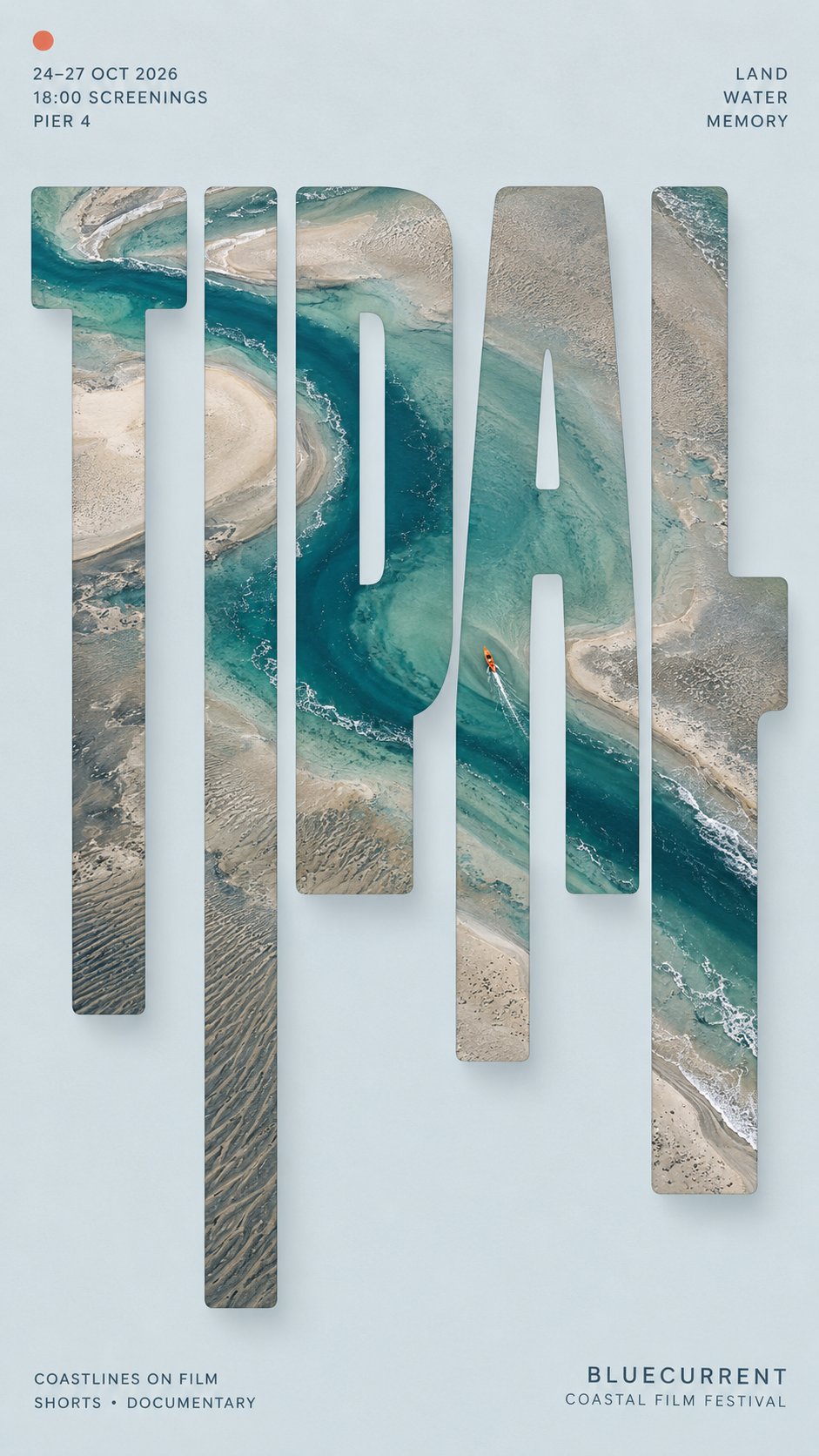
High-End Editorial Poster Design Prompt
This prompt guides you to create a stunning high-end editorial poster that combines bold typography with photography. The prompt encourages you to use a main word that dominates the design, filling it with a continuous image that reveals various aspects of a single scene. With detailed instructions on how to manipulate the typography and embed photography, you can craft an eye-catching and sophisticated visual piece for exhibitions, festivals, or cultural events. The result is a beautifully balanced composition that emphasizes clean backgrounds, strategic use of color, and modern typography for supporting information. Whether you’re a designer looking to enhance your portfolio or an artist aiming to create impactful visuals, this prompt will inspire your creativity and elevate your design skills.
MAIN WORD】: {4–8 letter uppercase keyword}
【PROJECT】: {exhibition / festival / cultural event / editorial}
【SUBJECT】: {one complete photographic scene}
【BACKGROUND】: {color}
【PALETTE】: {main colors}
【TYPE STYLE】: {bold grotesk / geometric sans / slab serif}
【TOP LEFT】: {date / time / venue}
【TOP RIGHT】: {3 short concept words}
【BOTTOM LEFT】: {supporting information}
【BOTTOM RIGHT】: {organization / event name}
【FORMAT】: 9:16 vertical
Create a high-end editorial poster using vertical sliced typography.
Place 【MAIN WORD】 large at the center, occupying about 75–85% of the width. Keep the word bold, clearly readable, and visually dominant.
Embed one single continuous photograph of 【SUBJECT】 inside the entire word. Every letter must reveal a different part of the same image, with major visual lines such as light beams, coastlines, architecture, circular forms, roads or objects continuing naturally across the letters.
Keep roughly the upper 40–45% of the letterforms intact. Extend selected lower strokes downward into 5–7 vertical sections with varied short, medium and long lengths. The extensions must grow naturally from the original letters and should never look like random rectangles or barcode strips.
Continue the same photograph through all extended sections. Place the strongest visual focus around the central letters and use one clear continuous feature to connect the whole composition.
Add a subtle soft shadow behind the typography, slightly offset to the lower right, creating a restrained floating-paper effect.
Use a clean 【BACKGROUND】 with generous negative space and keep most visual complexity inside the type. Apply 【PALETTE】 to the embedded photography with one small accent color if needed.
Arrange supporting information around the composition:
Top left: 【TOP LEFT】
Top right: 【TOP RIGHT】
Bottom left: 【BOTTOM LEFT】
Bottom right: 【BOTTOM RIGHT】
Use small, precise modern typography for all secondary information. The final piece should feel like a finished exhibition, festival or cultural editorial poster, not a template demonstration.