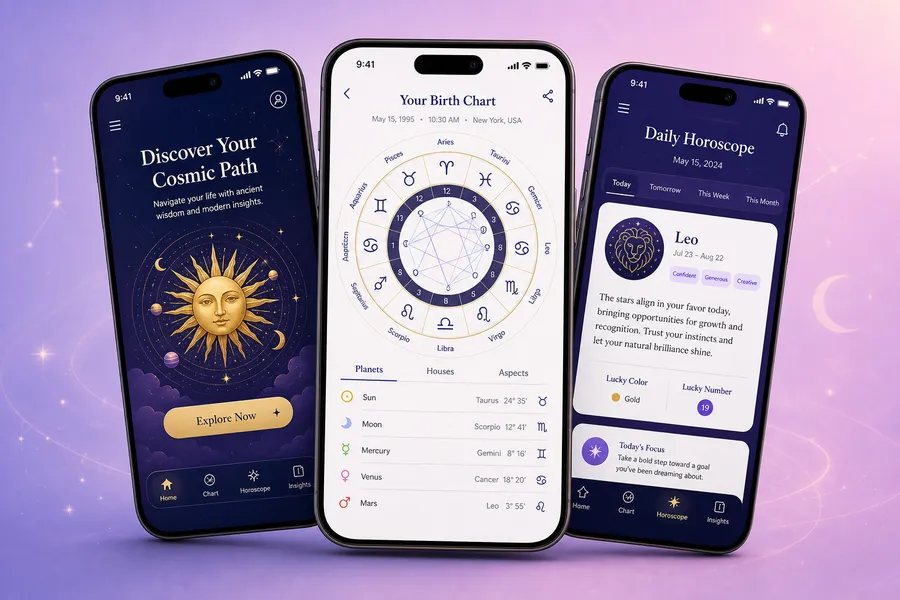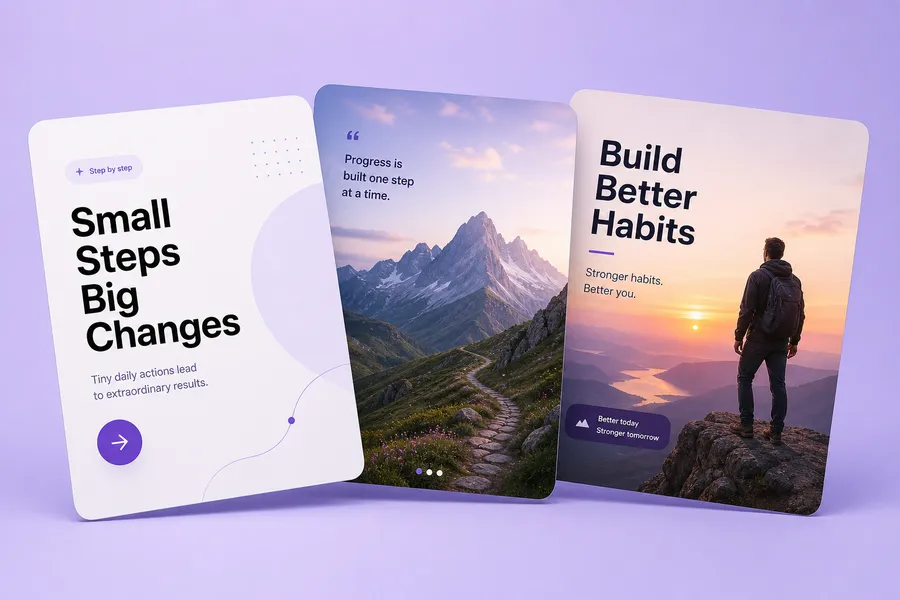
Image Studio

AI image generator with every top model

Turn text into images with GPT Image, Nano Banana, Seedream, FLUX and more — in one studio. Start from hundreds of proven prompts, add your own reference images, and pay only for the images you get.

From 7 credits per image · 2 models · No subscription to each model

AI-generated images made in the PromptsEdge Image Studio

What is the PromptsEdge Image Studio?

It is a text-to-image AI generator that puts the leading image models side by side: OpenAI’s GPT Image, Google’s Nano Banana, ByteDance’s Seedream, Black Forest Labs’ FLUX and xAI’s Grok Imagine. You write one prompt, pick the model that suits the image, and generate — no separate account or subscription for each.

Because it sits on the PromptsEdge library, you rarely start from a blank box: find a prompt that already works, drag it in and change what you need.

People use it for

  • Social media posts
  • Product shots
  • Ads and banners
  • Thumbnails
  • Illustrations
  • Portraits and avatars
  • Posters with text
  • Concept art

How it works

  1. 1

    Write or pick a prompt

    Type your idea, paste a prompt, or drag one in from Explore.

  2. 2

    Choose a model and size

    Each model shows its price per image and what it is best at.

  3. 3

    Generate and keep the best

    Make up to 4 at once, then save the ones you love to a collection.

What you can do

Every top model, one place

GPT Image, Nano Banana, Seedream, FLUX, Grok Imagine and more. Switch models without switching apps or subscriptions.

Start from a proven prompt

Drag any prompt from Explore into the studio — its text and picture come with it — then tweak it instead of starting from a blank box.

Reference images

Add up to 4 images for the model to follow — a face, a product, a style — on every model that supports it.

Image to Prompt

Upload any picture and get a prompt that recreates it — 3 credits. Use it as is, or edit it into something new.

Sizes up to 4K

Square, portrait, landscape, story and widescreen ratios, from fast 1K drafts to 4K finals on the flagship models.

Pay only for what you get

Credits per image, shown before you press Generate. If a model fails or returns fewer images, you are only charged for the ones delivered.

Models and prices

Credits per image, cheapest first — the same prices the studio charges.

Get credits →
ModelMax sizePer image
GPT Image 2.0
1K7 cr
GPT Image 2.5NEW
2K8 cr

Also on PromptsEdge to browse: Midjourney V8.2 — no public API, so their prompts are shown but not generated here.

Every AI Studio

The Image Studio makes single images. The others make a whole finished set for one job, in one go.

Image Studio — example from the PromptsEdge studio

Image StudioThis page

One prompt in, finished images out — with your pick of the top image models.

Open Image Studio
What it does
  • Generate up to 4 images at a time from any prompt, on 2 models
  • Drag a prompt from Explore straight in, or turn a photo into a prompt (3 credits)
  • Add up to 4 reference images to keep a face, product or style consistent
How it works
  1. 1Write or drag in a prompt
  2. 2Pick a model, size and how many
  3. 3Generate, then save the keepers
Cost: The model’s price per image, from 7 credits.Best for: Single images, ideas and experiments.
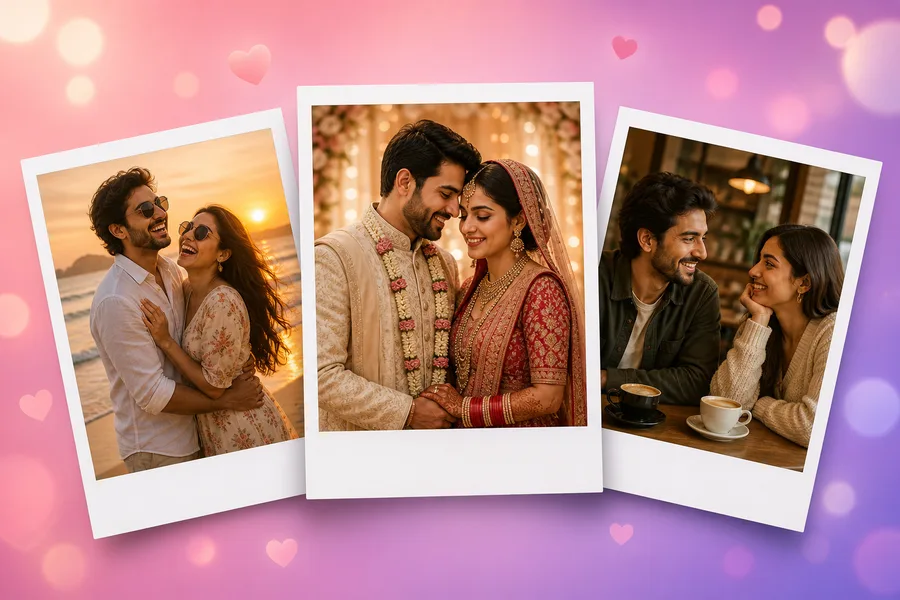
Couple Photos — example from the PromptsEdge studio

Couple Photos

Your photos turned into couple shots, using the best couple prompts in the library.

Create couple photos
What it does
  • Upload a photo of each of you — or just one, and the AI creates the partner
  • We match the 10 best couple prompts from the library; search for a scene or show different ideas
  • Pick how many photos you want, then download them all
How it works
  1. 1Choose both of you, just him or just her
  2. 2Upload the photos and pick ideas
  3. 3Generate and download
Cost: Per photo, from 8 credits (the model’s price + 1). Premium ideas are unlocked once.Best for: Anniversaries, profile pictures, wedding and holiday ideas.
Play Store Screenshots — example from the PromptsEdge studio

Play Store Screenshots

Your app’s raw screenshots turned into a store-ready Google Play listing set.

Create screenshots
What it does
  • Upload 2–8 app screenshots in listing order
  • Describe your brand; the AI keeps one look across every image, with headlines it writes (3 credits) or you do
  • Phone portrait, high-res or landscape sizes, downloaded as a ZIP for Play Console
How it works
  1. 1Upload screenshots and name the app
  2. 2Set the brand look and text
  3. 3Generate the set and download
Cost: Per screenshot, from 8 credits (the model’s price + 1).Best for: App launches and listing refreshes.
Social Carousels — example from the PromptsEdge studio

Social Carousels

One idea turned into a ready-to-post LinkedIn or Instagram carousel.

Create a carousel
What it does
  • Describe a topic or paste an article for an AI outline (1 credit) — or write every slide yourself, free
  • Pick a style, or read one from your own carousel or a Pinterest pin (2 credits) and reuse it
  • Add your own image to any slide; download a PDF for LinkedIn or images for Instagram
How it works
  1. 1Write the idea or the slides
  2. 2Choose a style
  3. 3Design every slide and export
Cost: Per slide, from 8 credits (the model’s price + 1).Best for: LinkedIn document posts and Instagram carousels.

Frequently asked questions

What is the best AI image generator?

It depends on the image. GPT Image 2.5 is strongest at text inside images and precise edits, Nano Banana Pro and Seedream 5.0 Pro are the flagships for detail and 4K, and FLUX.1 [schnell] is the fastest and cheapest for drafts. The Image Studio puts all of them behind one prompt box, so you can try the same prompt on several and keep the best.

How are credits charged?

Each image costs the number of credits shown next to the model, multiplied by how many images you make. Some models charge double at 4K. Credits are taken only for images that are actually delivered.

Can I use my own photos?

Yes. Add up to 4 reference images on models that support them, and the model follows them — useful for keeping a face, a product or a style consistent.

Is there a limit?

To protect your balance, one account can spend up to 600 credits on images in any 24 hours. The limit resets 24 hours after your earliest generation in that window.

Where do my images go?

Every generation is kept in Your generations inside the studio. You can also save any image to one of your collections.

Can AI generate images with readable text?

Yes — choose GPT Image 2.0 or 2.5, which are built for accurate text in images such as posters, labels and social graphics. Other models can add text too, but less reliably.

Make your first image

Pick a prompt from Explore or write your own — it takes a minute.

Open Image Studio